
What's New

What's new in Kai.

Kai gets better every couple of weeks. Here is what landed recently, what it does, and how to try it.

  1. Milestone

    The first users are in

    Kai left the waitlist behind. A small batch of seats now opens every day.

    First sign-in, first seats

    Daily seat drops

    Kai is in closed beta. A limited number of seats opens on hirekai.ai each day. Grab one and you are working with Kai the same day.

    Save your spot

    Guided onboarding

    New accounts start with a short guided setup: connect your calendar, email and Slack, tell Kai what hurts most, and it starts working from the first minute.

    Also in this update

    • FeatureRate Kai's answers, triage and meeting summaries with a thumbs up or down.
    • ImprovementThe mic shows a live waveform while you dictate, with cancel and stop controls.
    • ExperimentalKai on mobile is in early testing on iOS and Android.
  2. New

    Kai for Chrome: free meeting transcription

    A Chrome extension that transcribes and summarizes your Google Meet, Zoom, and Teams calls on device. No account, no upload, no bot.

    Kai for Chrome, recording on device

    Live transcript, on device

    Add it to Chrome, hit record in the meeting tab. The transcript builds as people speak, with speaker labels, and the audio never leaves your machine (Whisper runs locally).

    Add to Chrome

    Summary and action items when you stop

    The second you stop, Kai writes a clean recap and pulls every commitment into a to-do list, with who owns what.

    Also in this update

    • FeatureEmail the recap and action items to your team in one click from the side panel.
  3. Update

    Kai now answers in Slack

    Pull Kai into a thread and it picks up the whole conversation.

    Kai replying in a Slack thread

    Ask Kai from any Slack thread

    It reads the full back and forth before it replies, and answers with real actions instead of a canned line.

    Also in this update

    • ImprovementEverything Kai knows about you now lives in one place, Kai memories.
    • FixGmail reconnects once. The weekly reconnect is gone.
  4. Update

    A new look for Kai

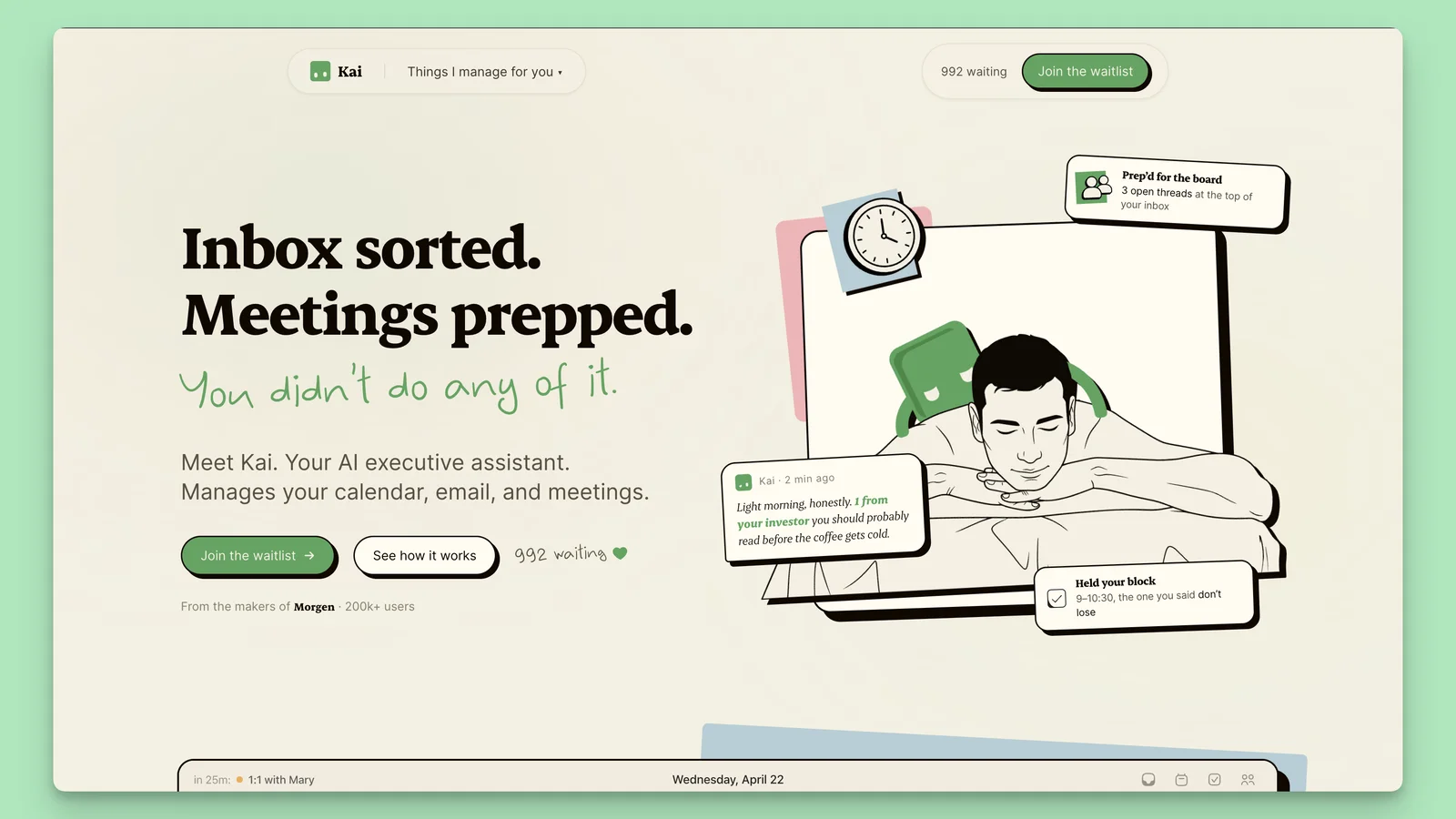
    The brand we have been building is now live across the whole app.

    The new Kai brand applied across the homepage and the app
    One look, website to app

    Kai's new brand, across every screen

    The identity is consistent now, from the website to every corner of the app.

    Also in this update

    • FeatureKai reminds the room about recording consent before it captures a meeting.
    • ImprovementThe processed-meetings triage card was redesigned so it is easier to act on.
  5. Update

    Capture any meeting on your desktop

    Start a transcription the moment a call begins, without leaving what you are doing.

    Quick Meeting Capture

    Start recording from the tray menu, or hit n then m. Kai turns the conversation into notes and action items.

    Also in this update

    • FeatureUndo a dismissed triage email if you change your mind.
  6. Update

    Your inbox, triaged. And you can talk to Kai.

    Two ways Kai gives you your attention back.

    Email, triaged before you open it

    Kai sorts your inbox into what needs a reply, what to know, and what is waiting, so you only deal with the few that matter.

    Hold the mic, talk, let go

    Talk to Kai

    Dictate instead of typing. Hold the button, say what you need, let go.

    Also in this update

    • FeatureEmail connects for every user now.
    • ImprovementSharper detection of tasks at risk, with a clearer triage card.
  7. Update

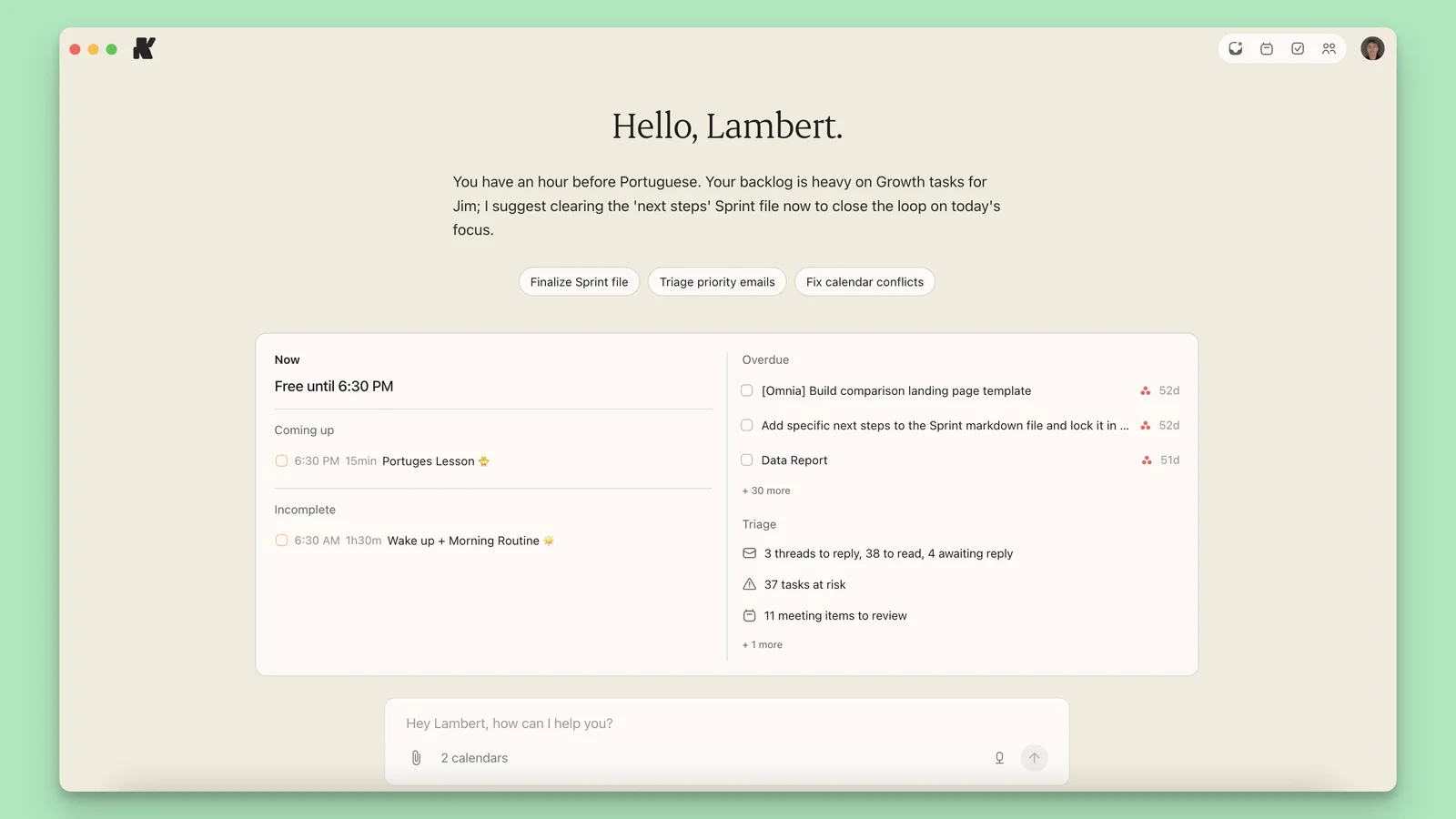
    Open Kai to a day that is already sorted

    Kai now greets you with the day laid out, not a blank screen.

    Kai's morning briefing with deep work, overdue items, and triaged email
    The morning briefing

    Your morning, briefed

    Deep work blocked, overdue items surfaced, email triaged. The day is organized before you touch it.

    Also in this update

    • FeatureA compact brief on topbar hover keeps the day in reach during conversations.