
Your meetings are full of action items.
I caught every single one.
Kai pulls the action items out of your meetings and emails, and you decide what lands on your plate. One tap, and each one becomes a real task, still linked to the meeting or email it came from.

 Invoice #218, due Friday
No credit card required
Every action item becomes a task.
Filed, tagged, and due.
 Ranked in one list by what's due and what matters
- One click back to the meeting or email it came from
- Claude or ChatGPT can read and update it through Kai's MCP
Every task has a Do it with Claude button.
I’ve already written the briefing.
- The briefing carries what was agreed, for whom, by when
- One click opens Claude or ChatGPT with it
- The AI drafts. You review, send, and close
See the full handoff, from meeting promise to finished draft

Kai captures action items from everywhere you work.
I go through every call and every thread.
Action items from every meeting.
The list is already written.
- Owner and deadline captured as they were said
- What others promised you, filed under their names
- Add it to your list or delete it. You stay the judge
.svg.png&w=64&q=75&dpl=dpl_76iYq4tvV129C6CWnJWEr74kGobH)

.svg.png&w=64&q=75&dpl=dpl_76iYq4tvV129C6CWnJWEr74kGobH)
Action items from your inbox.
I dug it out.
- Asks spotted inside long threads
- One click on Add and it's a real task
- The task links back to the exact email


Accepted tasks go on your calendar.
I booked Thursday, 9:00.
- Ask Kai in chat and it finds the room
- A real time block, not another reminder
- The block keeps its link back to the task


“After four back-to-back meetings, I’m too exhausted to even find the right app to enter the action items. Things just slip.”



Frequently asked questions
Everything you need to know before you start.
An action item tracker is a system that captures commitments, like tasks, deliverables, and follow-ups, from meetings and emails, then keeps them in one place with an owner, due date, and context. Unlike a simple to-do list, an action item tracker connects to the places where commitments are made, so nothing requires manual entry.
Kai captures your calls on Zoom, Google Meet and Microsoft Teams straight from your device, with no bot joining, and reads your email (Gmail, Outlook). After a call it pulls out the action items with the owner, due date, and priority it heard, and email asks surface in triage the same way. Each suggested task waits for your review: accept it in one tap and it becomes a Kai task, linked back to the original conversation.
The best action item tracking software captures commitments from every source automatically, not just the ones you remember to type in. Kai pulls action items out of meetings and emails, turns accepted ones into tasks with the source attached, and finds them time on your calendar. It replaces the manual relay of copying summaries from a notetaker into a separate task app.
Kai captures action items from meetings on Zoom, Google Meet, and Microsoft Teams, and from email in Gmail and Outlook. Accepted items become tasks in Kai itself, each carrying its source context, the meeting or email thread it came from, so you always know where a commitment was made.
Kai reads the conversation context, who said what, who was addressed, what was agreed, to identify the owner of each commitment. If a meeting participant says “I’ll send that over by Friday,” Kai captures it as their item. Your own items land under “assigned to you”; what others promised stays visible under “assigned to others.” For ambiguous items, Kai leaves the owner open for your review.
Yes. Once you accept an action item, ask Kai in chat to find it a slot and it puts a real block on your calendar. Tasks with due dates also rank higher in your daily plan as the deadline approaches, so what needs to happen next is always in front of you.
Yes. Every accepted action item becomes a Kai task, and every task carries a Do it with Claude button. One click writes a briefing from the task and the meeting or email it came from, then opens Claude or ChatGPT with that briefing already in it. The AI drafts and proposes; it never sends anything and never closes the task. You review, you send, you close.
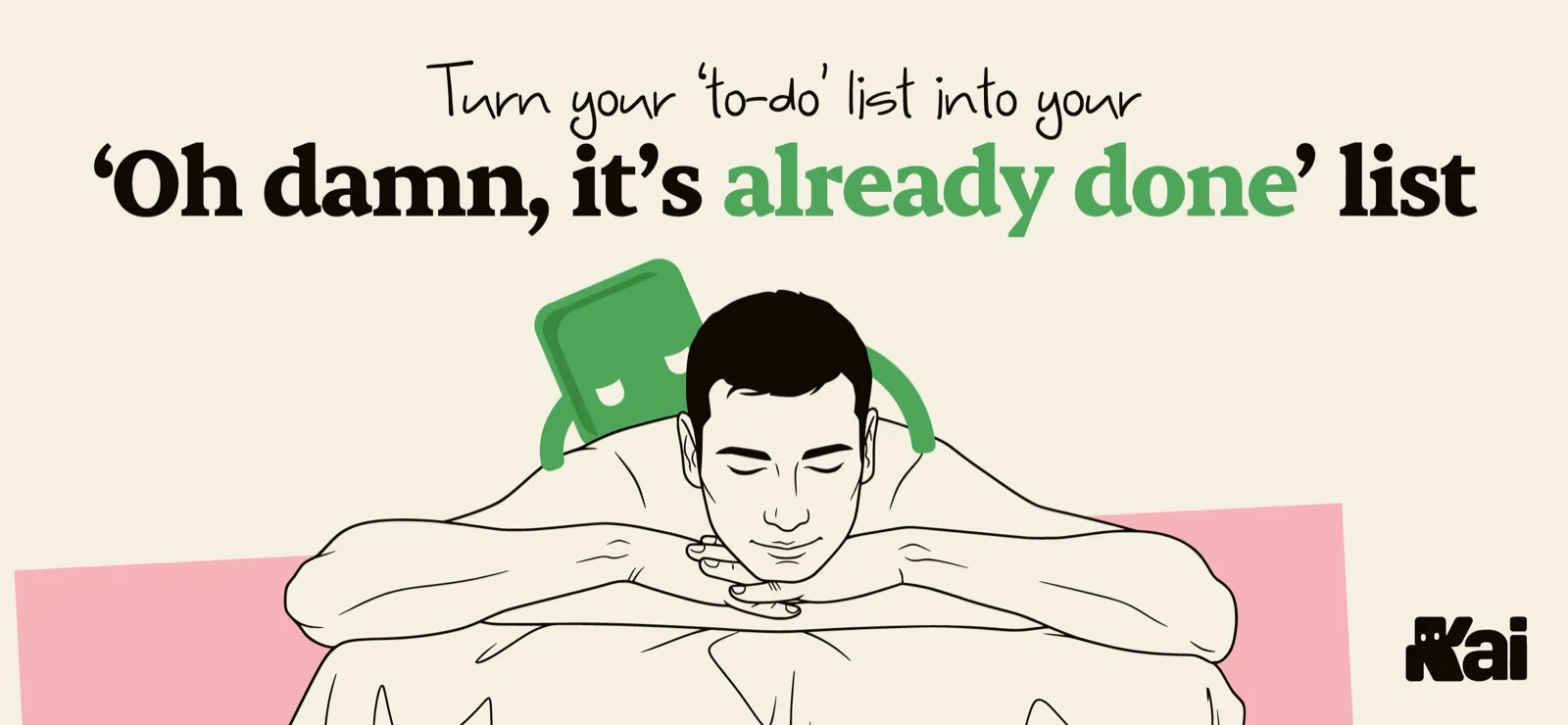
Kai catches the action items from your meetings and emails, files them as real tasks, and finds them time on your calendar. You said it once. That was your part.
Start free