
New
Point Kai at exactly what you mean
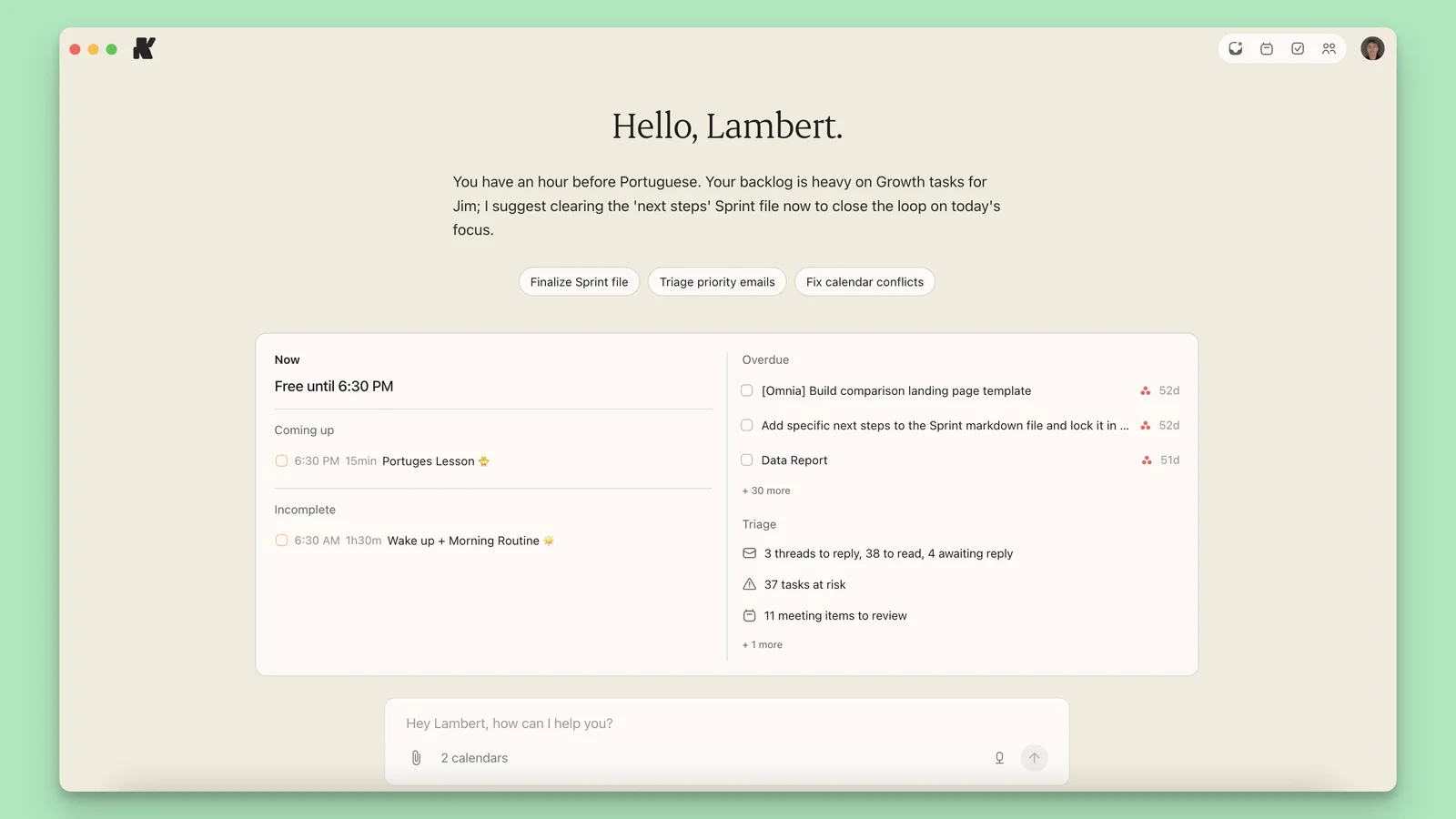
Select the tasks, meetings, events and emails you care about, and Kai offers the next move for them.
Context Indicator
Ctrl-click (Cmd-click on Mac) the tasks, meetings, triage items or emails you want Kai to focus on, and each one becomes a chip in the chat box. Kai then works on exactly what you picked instead of guessing from the conversation.
Suggested actions
Once you have picked something, Kai reads what it is and offers the next steps that fit: Prepare, Reschedule, Draft reply, and more. One tap instead of writing out the request.
Also in this update
- ImprovementKai now asks for approval only before it sends or changes something outside the app, like an email or a calendar invite. It no longer stops to confirm routine task and scheduling work.